
Worker
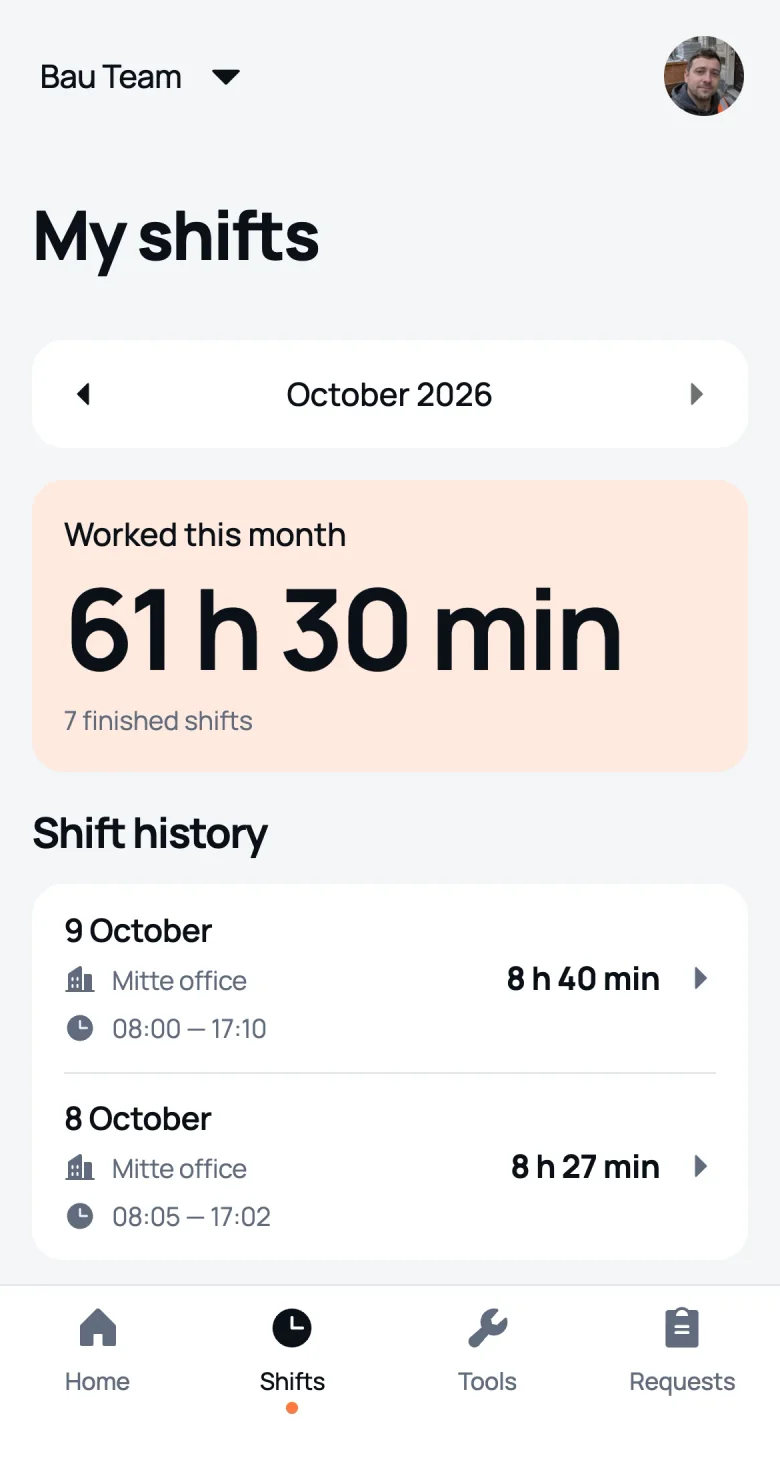
Clocks in and out, takes breaks. Sees their shifts and how many hours the month adds up to, so there’s no arguing on payday.
Clock in with a photo from site, breaks are deducted, and the hours land in the timesheet. No GPS tracking and nothing to install.
Free: 1 site and 1 worker
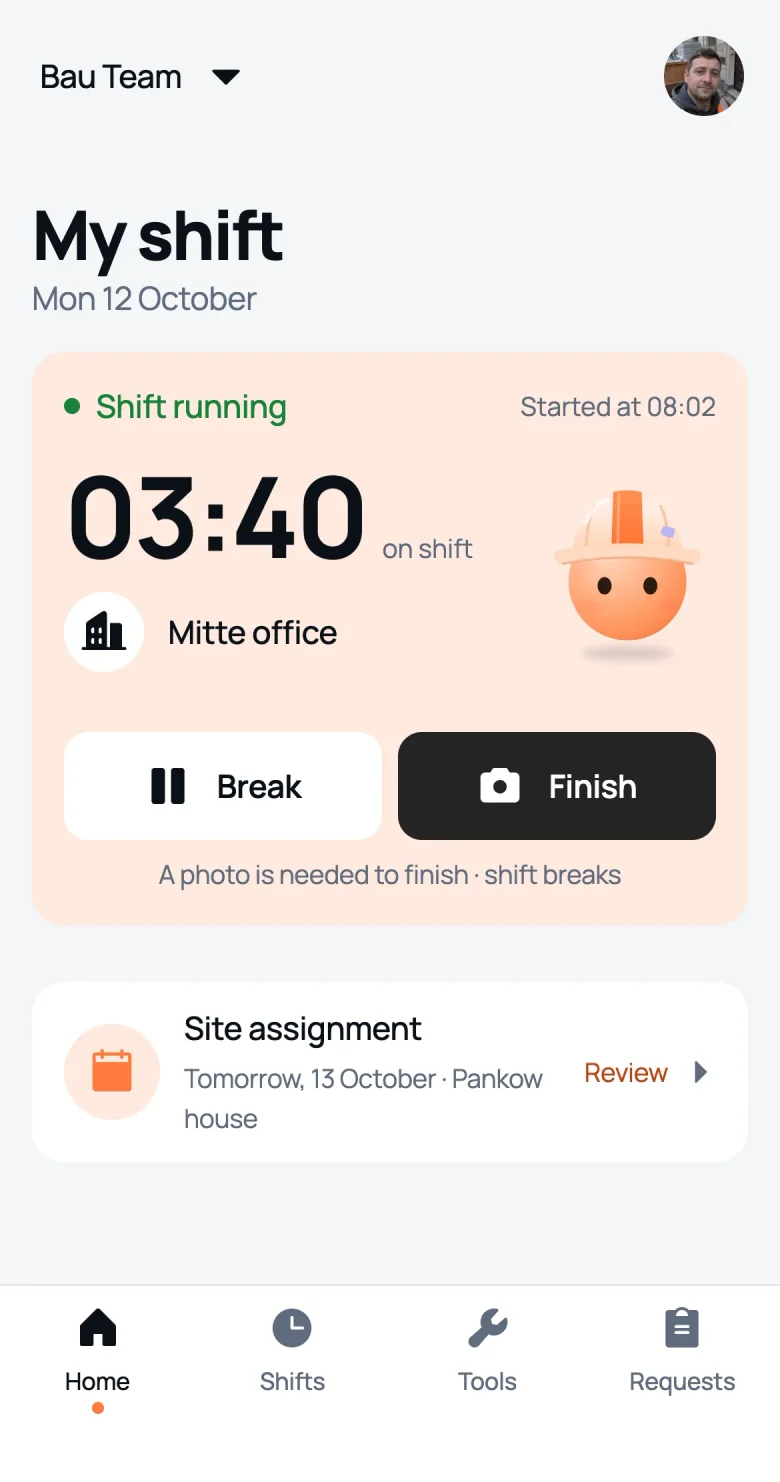 03:40
03:40A mobile time clock with nothing to install: pick the site, take a selfie in front of it, and the shift is running.
 Mitte office · 08:02
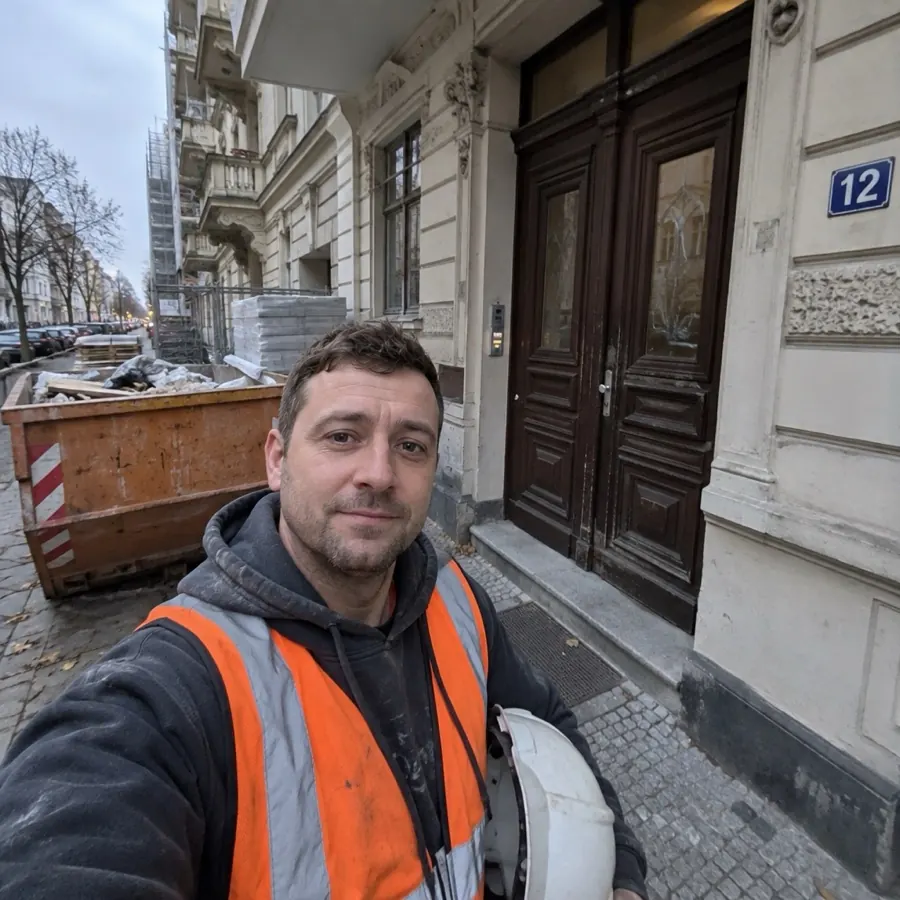
The worker picks one of their sites and takes a selfie in front of it. The start time is saved at once and the manager gets a notification.
Work time is running
04:12
Lunch or a smoke: tap “Break” and the clock stops. Forgot to tap? The break can be added later.

A selfie at the end of the day, and the shift is closed. Hours without breaks are already counted and sit in the monthly timesheet.
Work hours without a calculator. Change the end of the shift and the breaks and see what goes into the timesheet.
 Ivan PetrovMitte office · Friday
To the timesheet8 h 40 min
As in the app: after 6 hours of work a break of at least 30 minutes is required, after 9 hours at least 45. The shift can still be ended, the manager sees a flag.
Keep track of working time without “where are you?” calls. The manager sees who is on shift, where and for how long.
5on shift1 on a break · 3 sites
 Ivan PetrovMitte office03:40on shift
 Sergey KozlovMitte office03:37on shift
 Dmitry MorozovPankow house03:35on a break
 Oleg DorokhovKreuzberg café03:12on shift
 Maxim TkachenkoPankow house04:02on shift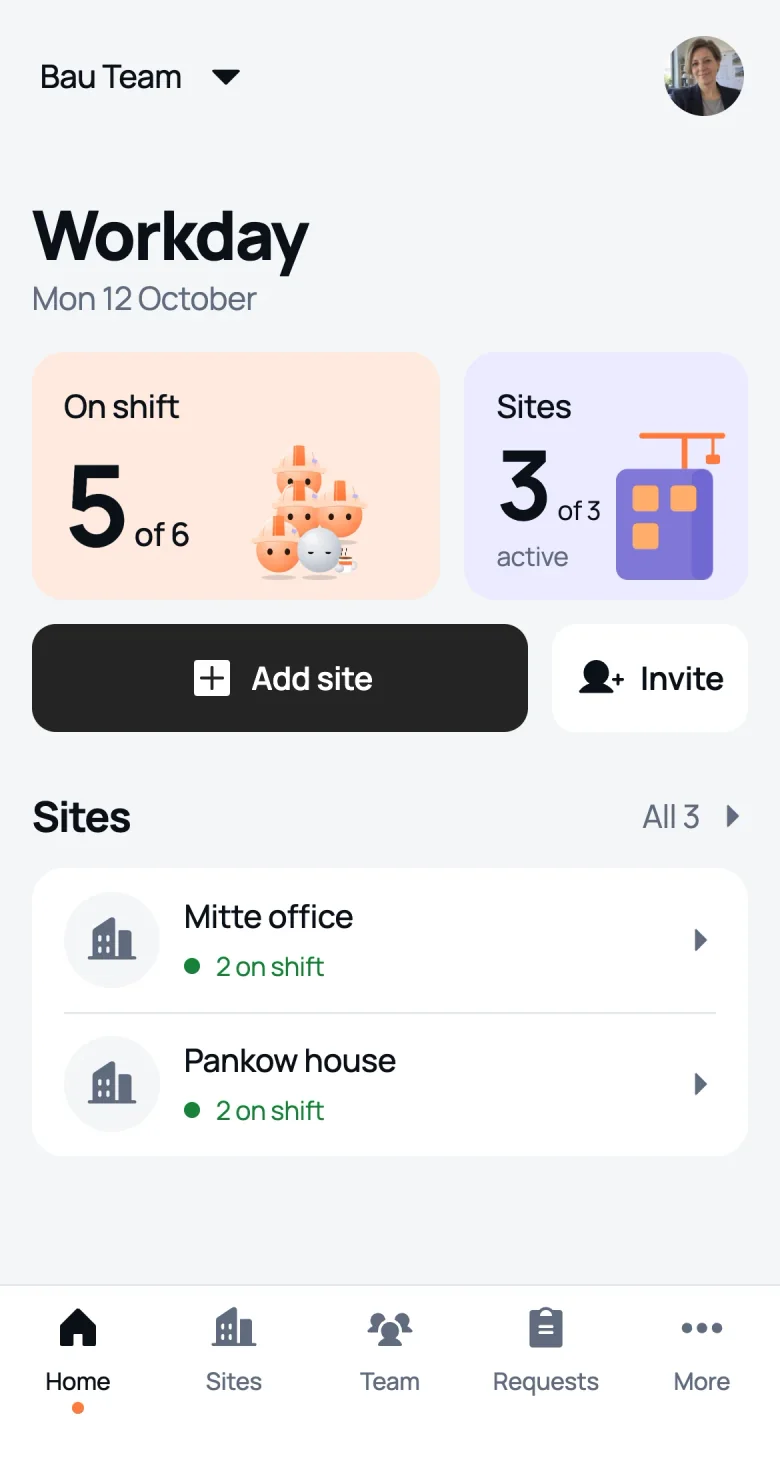
and We Do messages the manager
Turned on for each worker separately.
The owner or foreman ends the shift for the worker, right away or at the right time. After 12 hours the app reminds them itself.
End shift for a worker
Dmitry Morozov has been on shift since 07:55. No closing photo needed.
Your shift was ended by a manager
Bau Team
Site: Pankow house
Start: 07:55
End: 16:30
Ended by: Anna Belova
If the time is wrong, talk to your manager.
We Do doesn’t follow phones. Two photos from site and the time between them: that’s enough to trust the hours.
Start · 08:028 h 40 minnothing is tracked between the photosEnd · 17:10Timesheets by worker, site or crew. We Do sends a PDF and a CSV for Excel in the language you need.
More about timesheets and reports →| Day | Site | Shift | Breaks | Hours |
|---|---|---|---|---|
| Mon 05 | Pankow house | 08:10–17:30 | 0:30 | 8:50 |
| Tue 06 | Pankow house | 07:58–16:40 | 0:30 | 8:12 |
| Wed 07 | Mitte office | 08:05–17:02 | 0:15 | 8:42 |
| Thu 08 | Mitte office | 08:00–16:30 | 0:30 | 8:00 |
| Fri 09 | Mitte office | 08:00–17:10 | 0:30 | 8:40 |
break too short closed by a manager
Clocks in and out, takes breaks. Sees their shifts and how many hours the month adds up to, so there’s no arguing on payday.
Sees who is on shift at their sites, closes forgotten shifts, fixes breaks and exports the timesheet for their site.
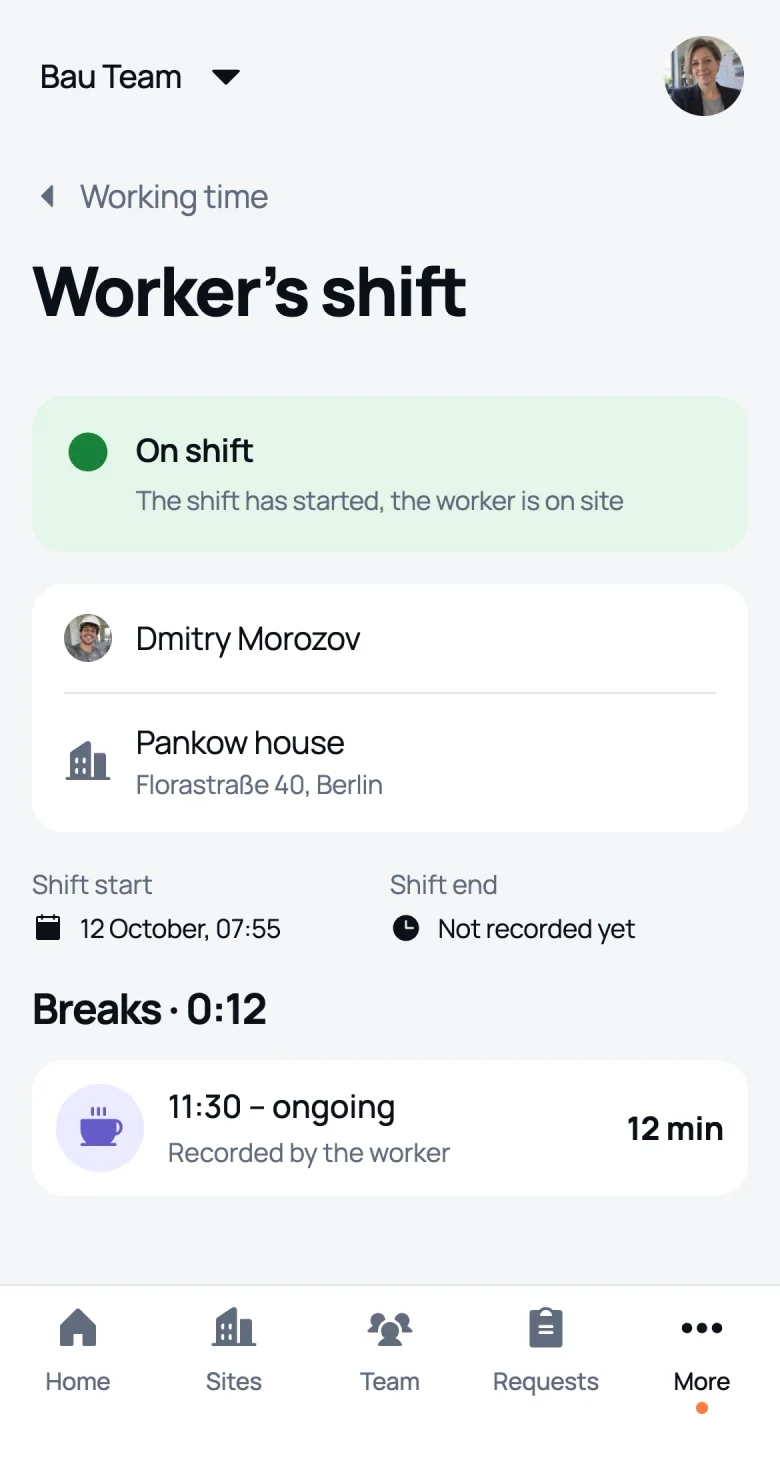
The whole company’s working time: by people, sites and days. The crew timesheet for the month in two taps.
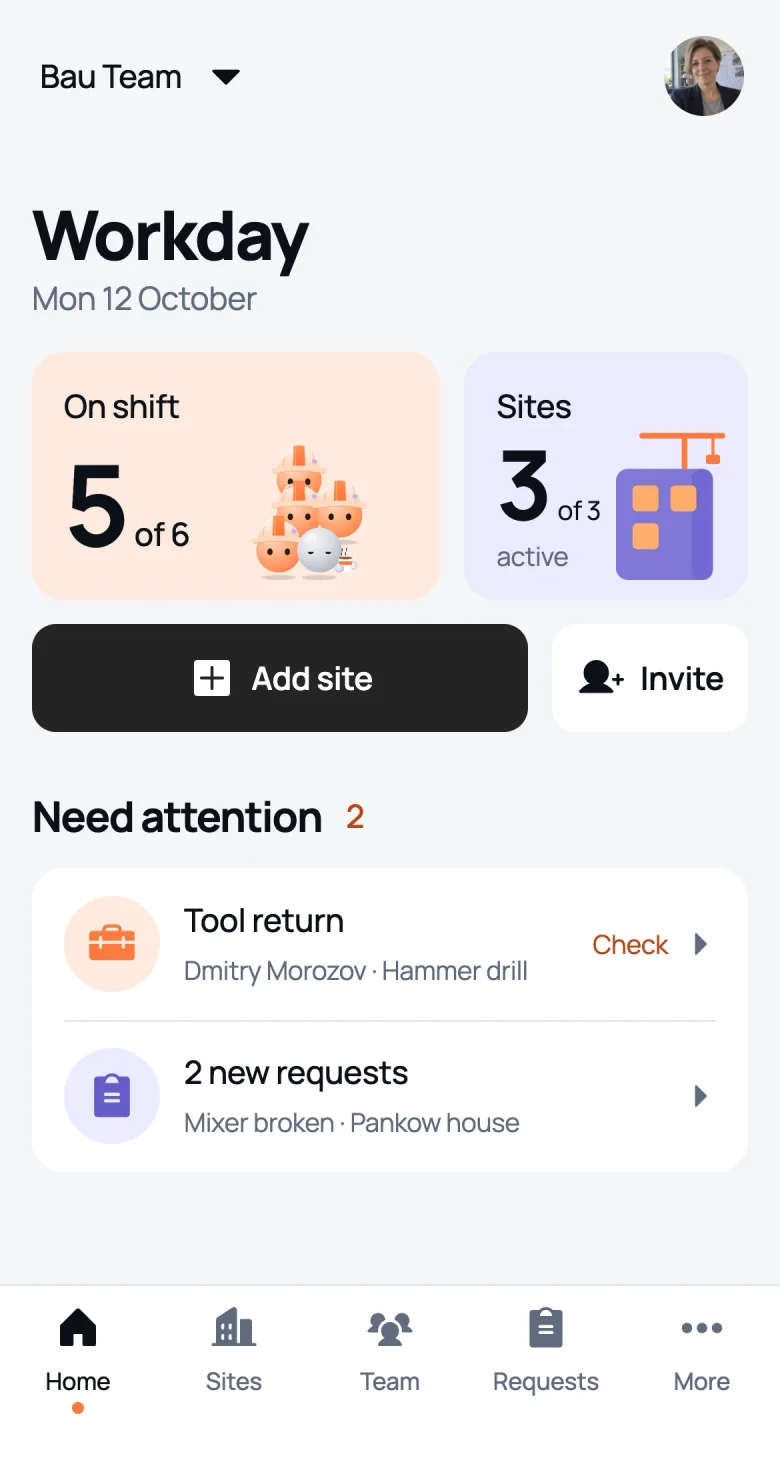
Yes. We Do runs as a mini app inside Telegram: a worker clocks in and out with a photo and takes breaks, while the manager sees the whole crew’s hours and exports the timesheet in PDF and Excel. It isn’t a chatbot with commands, it’s a full app with roles.
No. They only need Telegram on their phone and an invite link from their manager.
The worker taps “Break” and the clock stops. Breaks come off the hours automatically. A forgotten break can be added later, and the manager sees it was added by hand. If a break is shorter than required (30 minutes after 6 hours of work, 45 minutes after 9), the timesheet flags it.
The owner or foreman ends the shift for them, right away or at a chosen time. The worker gets a notification, and the timesheet shows that a manager closed the shift.
No. We Do doesn’t use GPS. A photo from site confirms the start and end of a shift.
Pick a month and a worker, a site or the whole crew. We Do sends the timesheet as a PDF and as a CSV that opens in Excel. You choose the file language when you export.
Following the 2022 ruling of the Federal Labour Court (BAG), employers must record their employees’ working time. For construction, the Minimum Wage Act (MiLoG §17) also requires the start, end and length of each working day to be recorded within 7 days and kept for 2 years. We Do keeps these records for you.
Free for one site and one worker, for good. Bigger crews from €29 a month, the price depends on the number of people, more on the pricing page.